The product list page shows all products within the selected category.
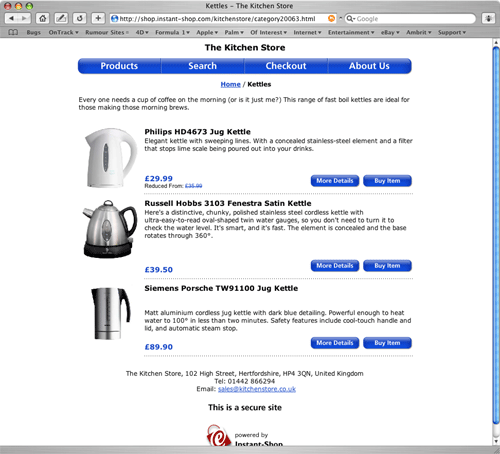
The current location within the category hierarchy is shown at the top of the page. Clicking on higher level categories will take the user back up to that category.
All products within the category are shown on this page.
By default Instant-Shop will show 12 products on a page. The number of products displayed on a page is set in the Appearance screen.
The order of the products in the list can be by product name, by part code (alphabetical), by highest price first or by lowest price first. The order is set in the Appearance screen. A product can be forced to the top of the products list by making the product a Featured Product.
The layout of the products list will be automatically selected based on the content of the product data being displayed. The layout style can be forced by setting the Format in the Category screen.
Display Formats
 |
 |
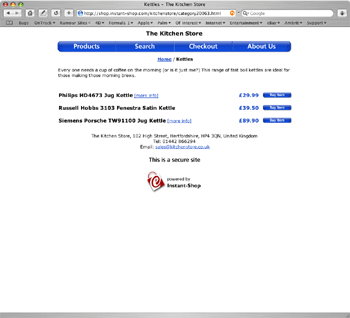
Show Product Names Only
|
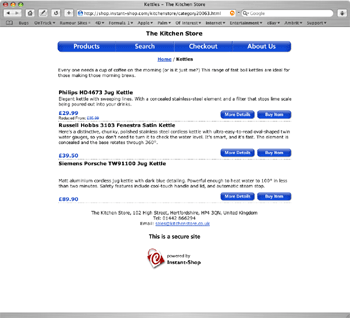
Show Product Names and Descriptions
|
 |
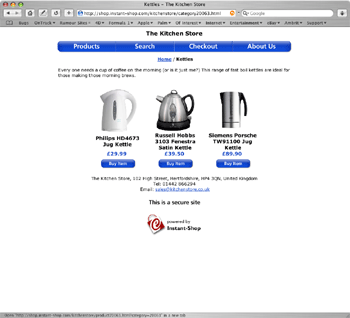 |
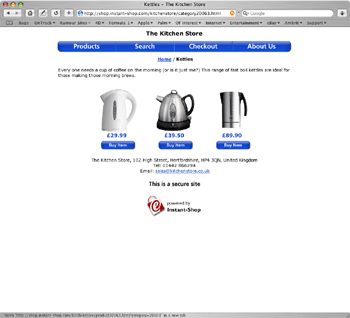
Show Pictures Only
|
Show Product Names and Pictures
|
Clicking on the product's picture or more detail button will take the customer into the Product More Detail page
Instant-Shop™ User Manual