When an order is placed on your store you will be notified by email. Instant-Shop keeps the order securely and therefore it cannot include the credit card number as part of the email. To view your orders (including credit card numbers) you must log on to a secure part of the website. Pro users can download their orders into the Instant-Shop application.
To view your orders select 'View Orders Online' from the 'Internet' menu.
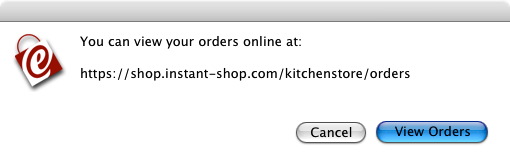
Click 'View Orders' to go to the secure order site.
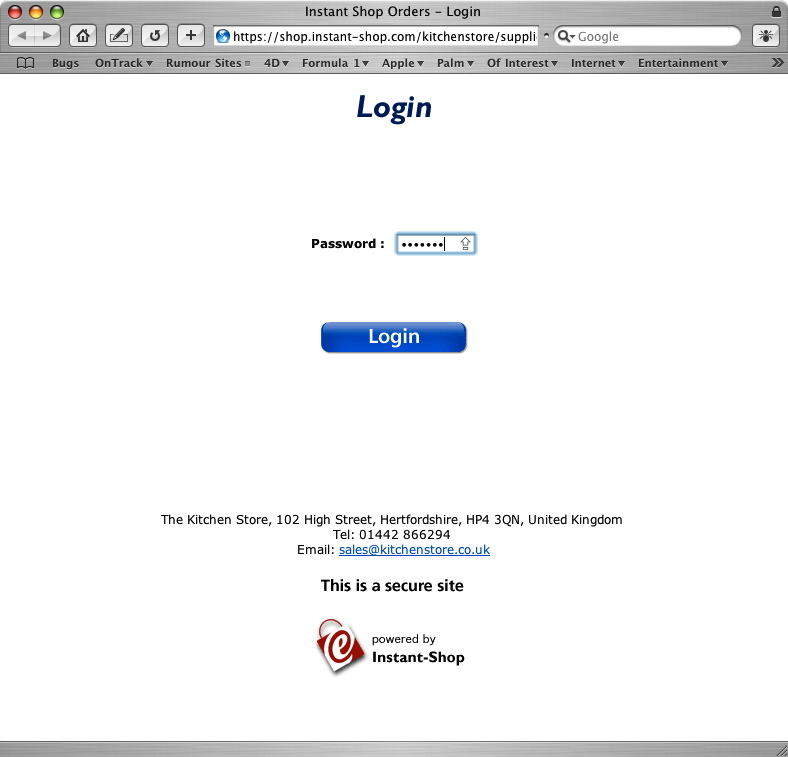
To view your orders you must enter your Instant-Shop password. This is the password you entered while you were setting up your store. Once you have logged on you will see a list of all orders that have been placed on your site.
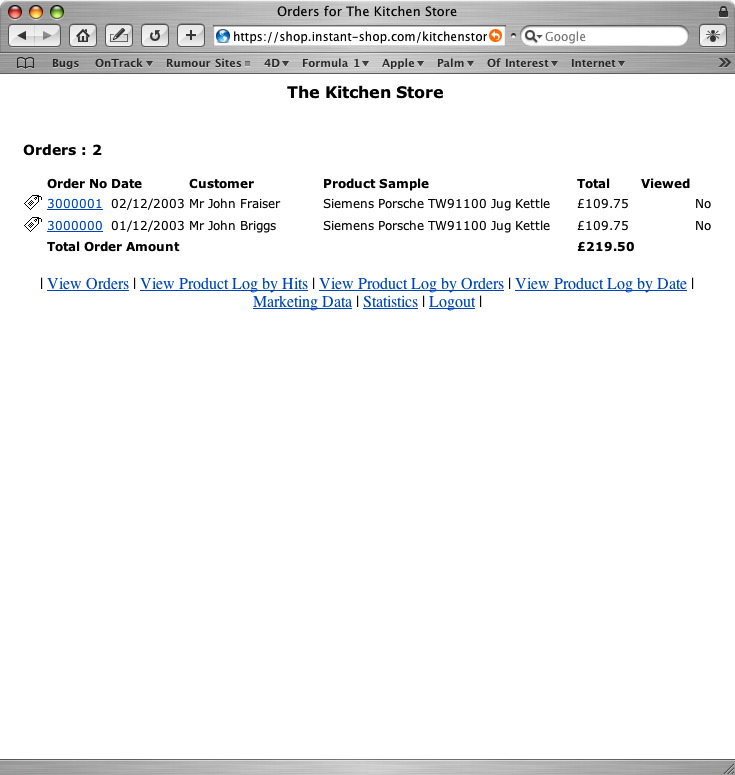
Clicking on the order number of any of the orders will take you into the order.
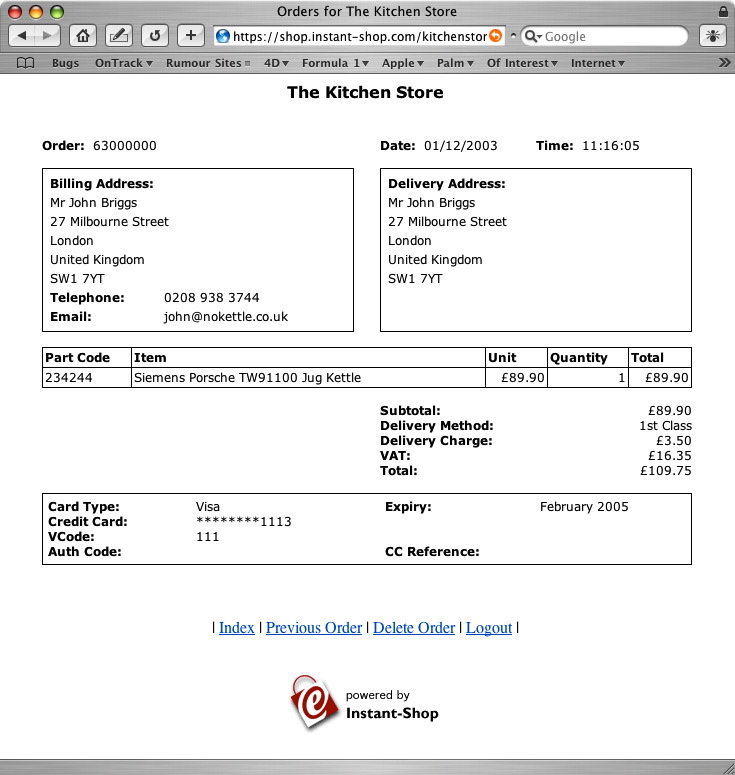
Tip: For security reasons Instant-Shop will only keep a copy of viewed orders on the server for 7 days from the date that the order was placed. Be sure to print and archive your order. Downloaded orders are never automatically deleted.
Note: If your shop is running in demo mode telephone numbers, email addresses and credit card numbers will be scrambled.
Instant-Shop™ User Manual