When you run Instant-Shop for the first time you will be asked to set up your shop.
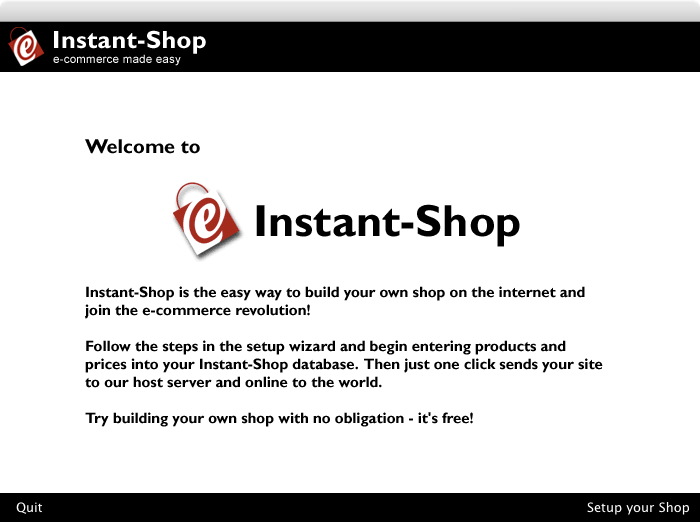
Click 'Setup your Shop'.
You will then be presented with the End User Licence and Web Hosting Agreement for using the Instant-Shop software
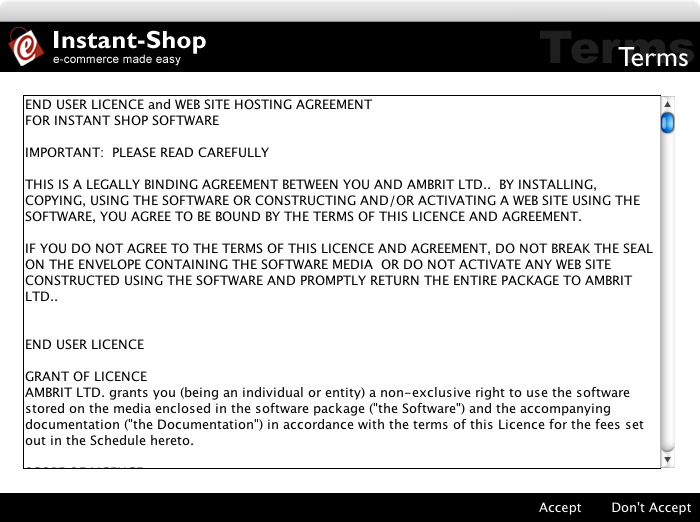
If you are not happy with the terms and conditions set out in this screen
click 'Don't Accept' and Instant-Shop will quit.
If you are happy with the terms and conditions click 'Accept'.
You will then asked to set your shop up.
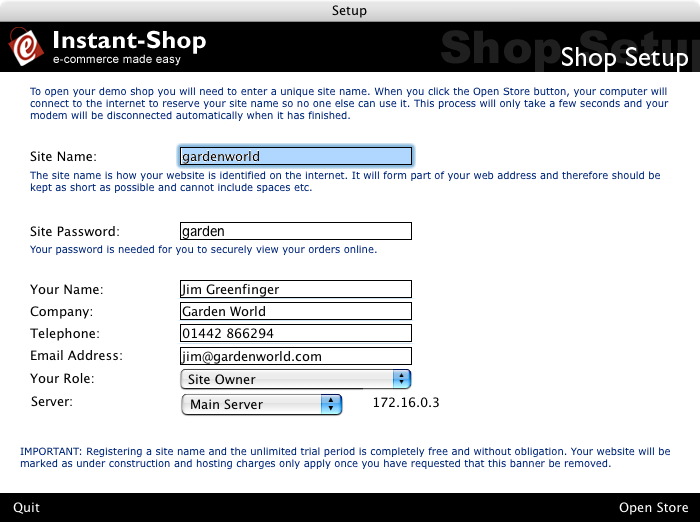
Enter the name of your site. This name will be used as part of your
shop's name. Initially while you are trying Instant-Shop your store
will have a web address like http://www.instant-shop.com/gardenworld.
When you activate your site live the shop will receive a domain name
and will have a web address like www.gardenworld.com. Because the site
name is part of a web address it should not include any punctuation
or spaces (dashes are allowed) and should be kept as short as possible.
The site name can be changed later.
The site password is used by Instant-Shop to make changes to the site and also to download orders (pro only). You will also require the password if you want to log on to the secure area of the site to view orders online. Pick a password that you can remember but one that is not easy to guess. If you forget your password, Instant-Shop will allow you to change it or you can call Ambrit Ltd on 01442 299316 for help.
Please enter your details so if we need to get in touch with you regarding your Instant-Shop we can.
Clicking 'Open Store' will briefly connect to our servers. This is to register your site name with our servers so no one else can use it. Only information shown on this page is transmitted. If you are on broadband then Instant-Shop will automatically connect. If you have a modem, Instant-Shop will ask you to connect to the Internet. Please ensure that your Internet connection is established before continuing.
Instant-Shop™ User Manual