Terms
and Conditions
Terms and Conditions are presented if available to the user on the checkout.
To change the terms and conditions select 'Terms and Conditions' on the 'Options' menu from the Product Database screen.
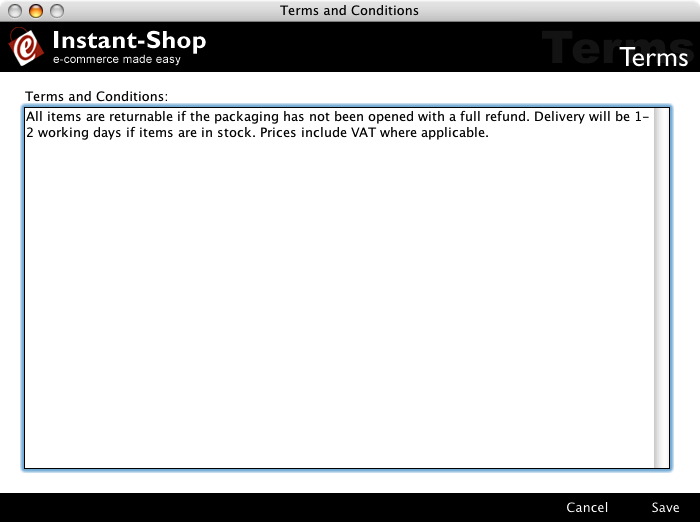
The terms and conditions can be as long as you like. They appear in a scrolling area on the checkout page directly above the make order button.
Instant-Shop™ User Manual