Instant-Shop will maintain your shop online. To update your shop you must upload your content to the site. You can upload as many time as you like. Only your changes are sent to the server so you can make small changes and see them instantly on the site.
To upload a product go to the product database window.
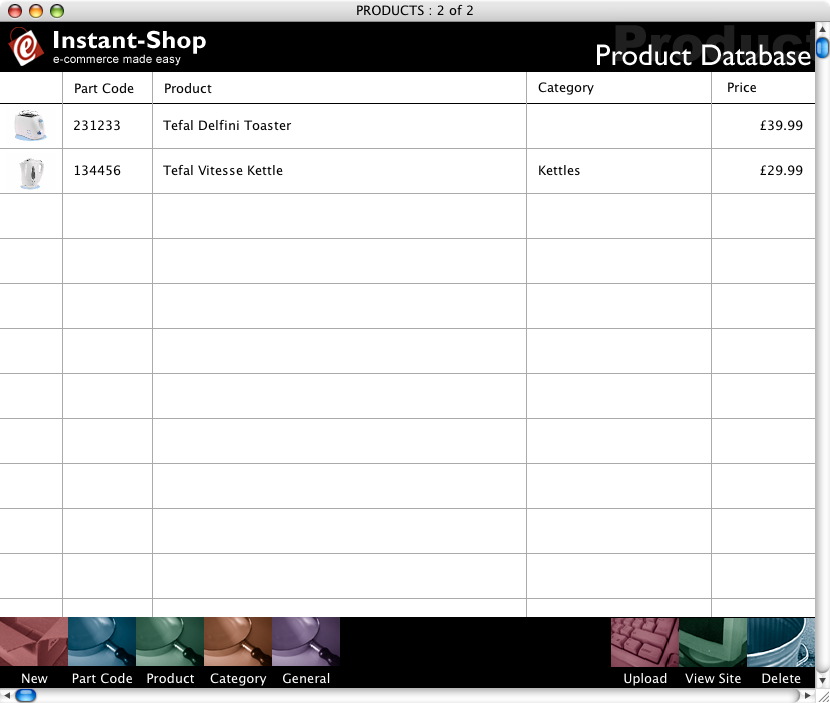
Click the 'Upload' button in the bottom button bar to upload your Product Database.

Instant-Shop will ask you what kind of upload you want:
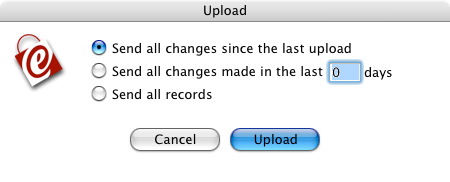
Select 'Send all changes since the last upload'. It is normal to send just the records that have changed, as this will be the most efficient option. If your computer is set to auto-dial the Internet or if you are on broadband click 'Upload'. Otherwise, you must manually connect to the Internet before clicking 'Upload'. The amount of time that it will take to send all your data to the Internet will vary depending on the speed of your modem and how many products you have added since the last time you uploaded.
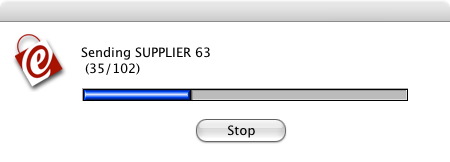
Once the upload is complete, you will be given an option to either view the site or to disconnect.
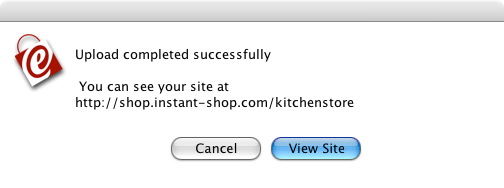
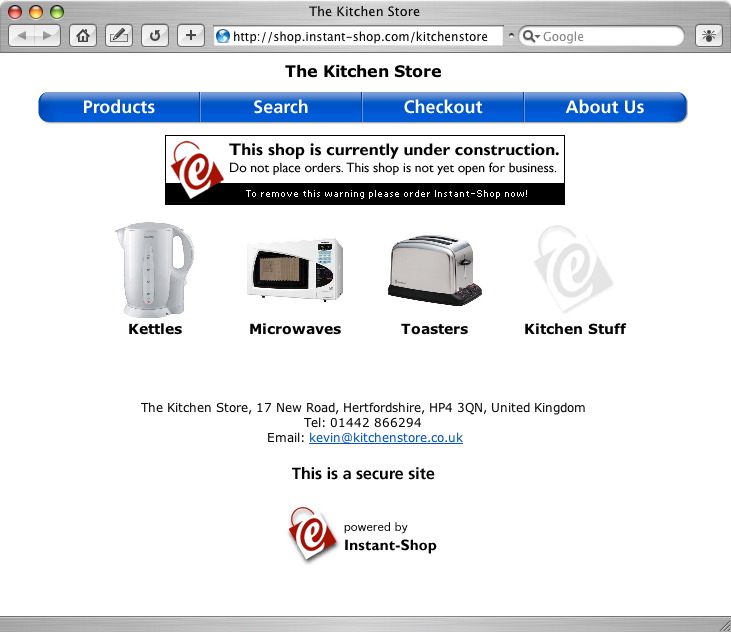
If this is the first time that you have uploaded your shop click the 'View Site' button and you will be taken automatically to your Instant-Shop home page.
Instant-Shop™ User Manual