Instant-Shop will allow up to a product to be linked to 6 other products in the store. The related products section appears in the more details page of the site. It lists a selection of other products that the customer might also wish to purchase. Clicking on a related product will take the user into the more details section of that product.
To add related products click on the related products tab.
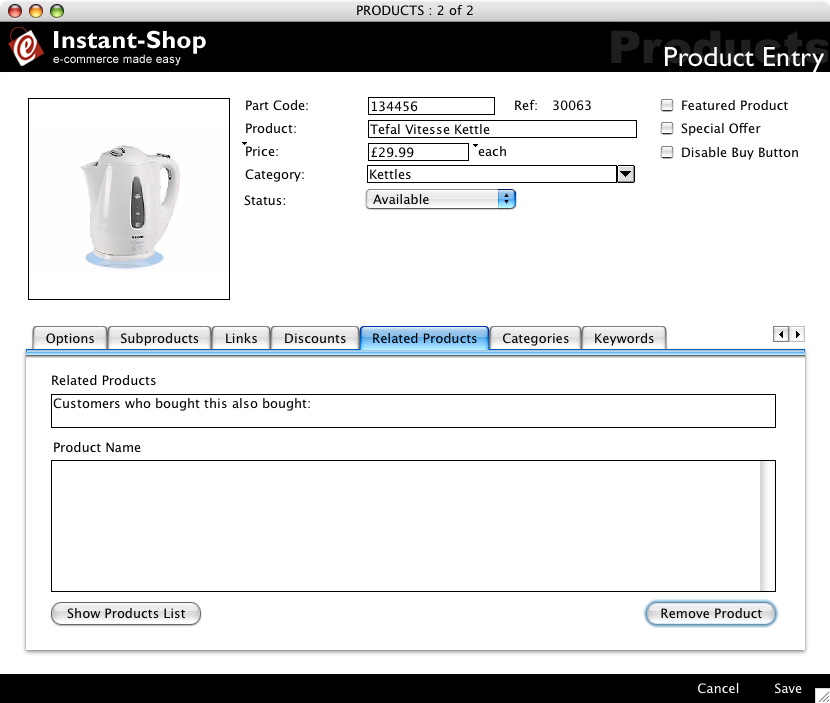
Related Products Title
The text in the Related Products Title field is displayed at the top of the related products section to introduce the section.
Related Products
The Related Products list shows a list of all products that have been related to this product. Relations are one way only. So linking product A to product B does not automatically link product B to product A.
Adding Related Products
To add related products click the 'Show Products List' button. This will bring up a floating window that will list all the products in the store.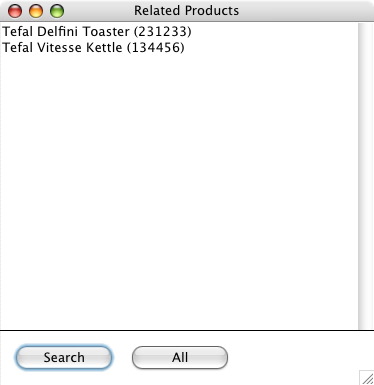
To relate a product simply drag one of the products from the floating window into the related products list on the main products page.
Once this has been done the related product will then be added to the list.
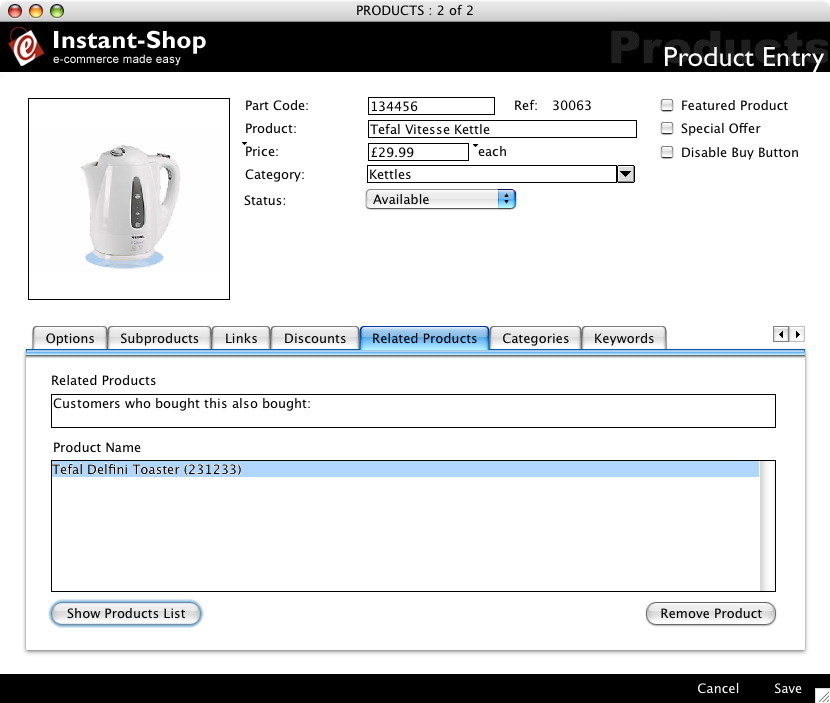
Removing Related Products
To remove a related product from the list, simply click on it to highlight it and then click 'Remove Product'.
Instant-Shop™ User Manual