Orders List
Pro Users can view their downloaded orders within Instant-Shop. To view your orders go to 'Orders' from the 'Window' menu.

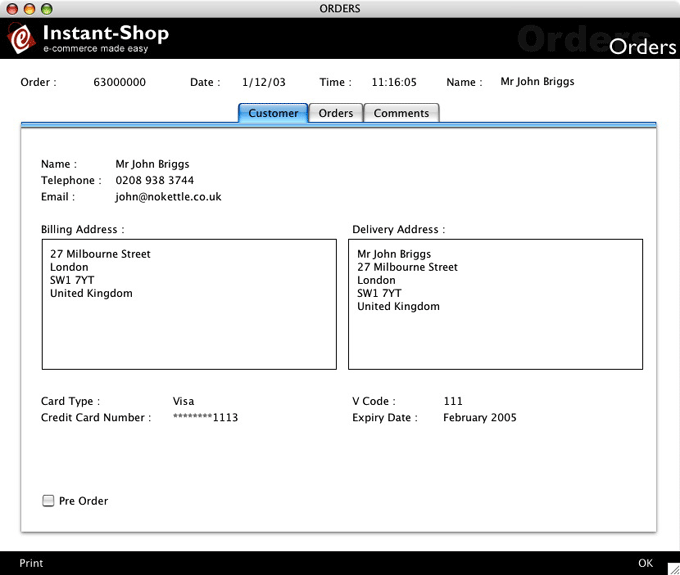
All orders that you have taken will be shown in the orders list. Double clicking on any of the orders will show more detail about the order. The order record is divided up into three sections:
Customers
The first page shows all of the customer details and their payment method.
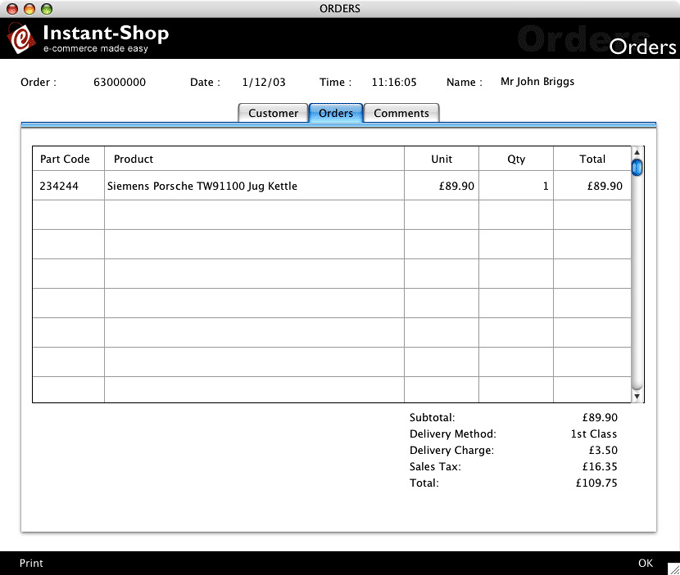
Orders
The orders page shows what the customer bought and the order total.
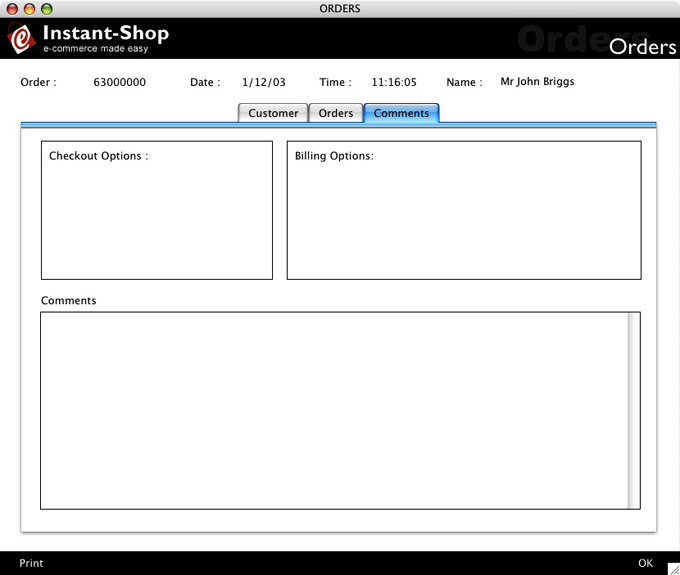
Comments
The comments page shows any comments that the customer made at the time of placing the order. If the shop has been configured with Checkout Options or Invoice Options they will be shown on this page.
Instant-Shop™ User Manual