A company logo is optional. The company logo is displayed at the top of every page when a custom theme is not used. If a logo is not specified then Instant-Shop will use your company name instead.
If you are using a custom theme then your logo will be included as part of the theme and this screen is not needed.
This page is also part of the setup wizard.
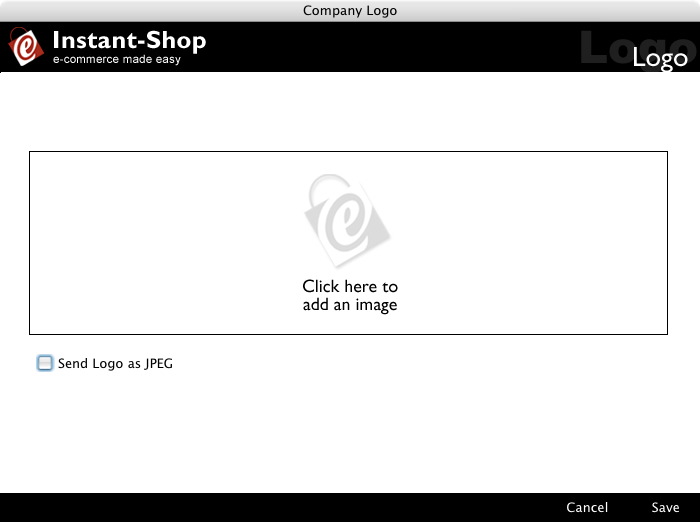
To import a picture simply click on the logo area and either paste a logo in from your clipboard or select 'Import Picture' from the 'Picture' menu to import a picture file from your hard disk.
Instant-Shop will accept a wide range of different picture formats including BMP, TIFF and JPEG. The optimum size for a logo is 650 x 75 pixels. Instant-Shop will scale your graphic automatically to fit this size.
If your logo includes a photo then select 'Send Logo as JPEG' for best results.
If you are accessing this page as part of the setup wizard the 'Save' and 'Cancel' buttons will be replaced by a 'Next' and 'Back' button. Click 'Next' to go to the next screen in the wizard.
Alternatively click 'Save' to save your changes and close the screen. Click 'Cancel' to close the screen without making changes.
Instant-Shop™ User Manual