The company details screen allows the user to enter the address that is used on all pages.
This page is also part of the setup wizard.
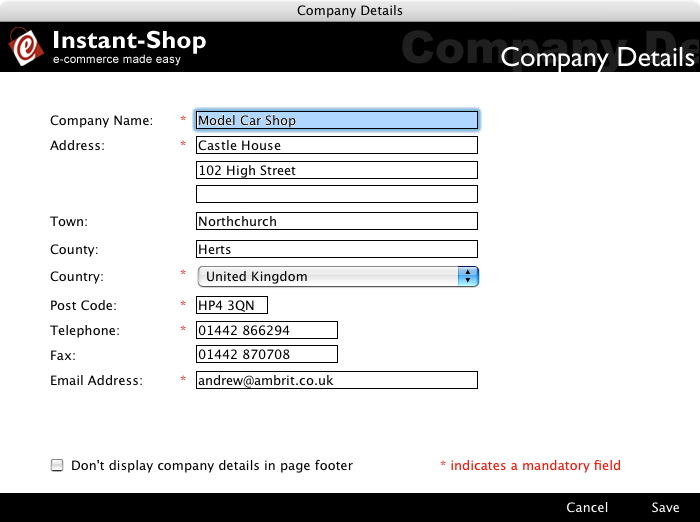
Choosing the country that your site is located in will automatically select the currency.
The email address specified will be where notification of new orders are sent.
It is a good practise to show your company details on the site. This gives the customer confidence that they can get in touch with you if they have a problem with their purchase. The company address will be displayed at the bottom of each page.
There are some instances where the address will not be required ie if it is part of the theme or if the site is part of an intranet ordering system. The address can be removed from the footer by turning on the 'Don't display company details in page footer' checkbox. It is highly recommended that you do not click this checkbox.
If you are accessing this page as part of the setup wizard the save and cancel buttons will be replaced by a next and back button. Click 'Next' to go to the next screen in the wizard.
Alternatively click 'Save' to save your changes and close the screen. Click 'Cancel' to close the screen without making changes.
Instant-Shop™ User Manual